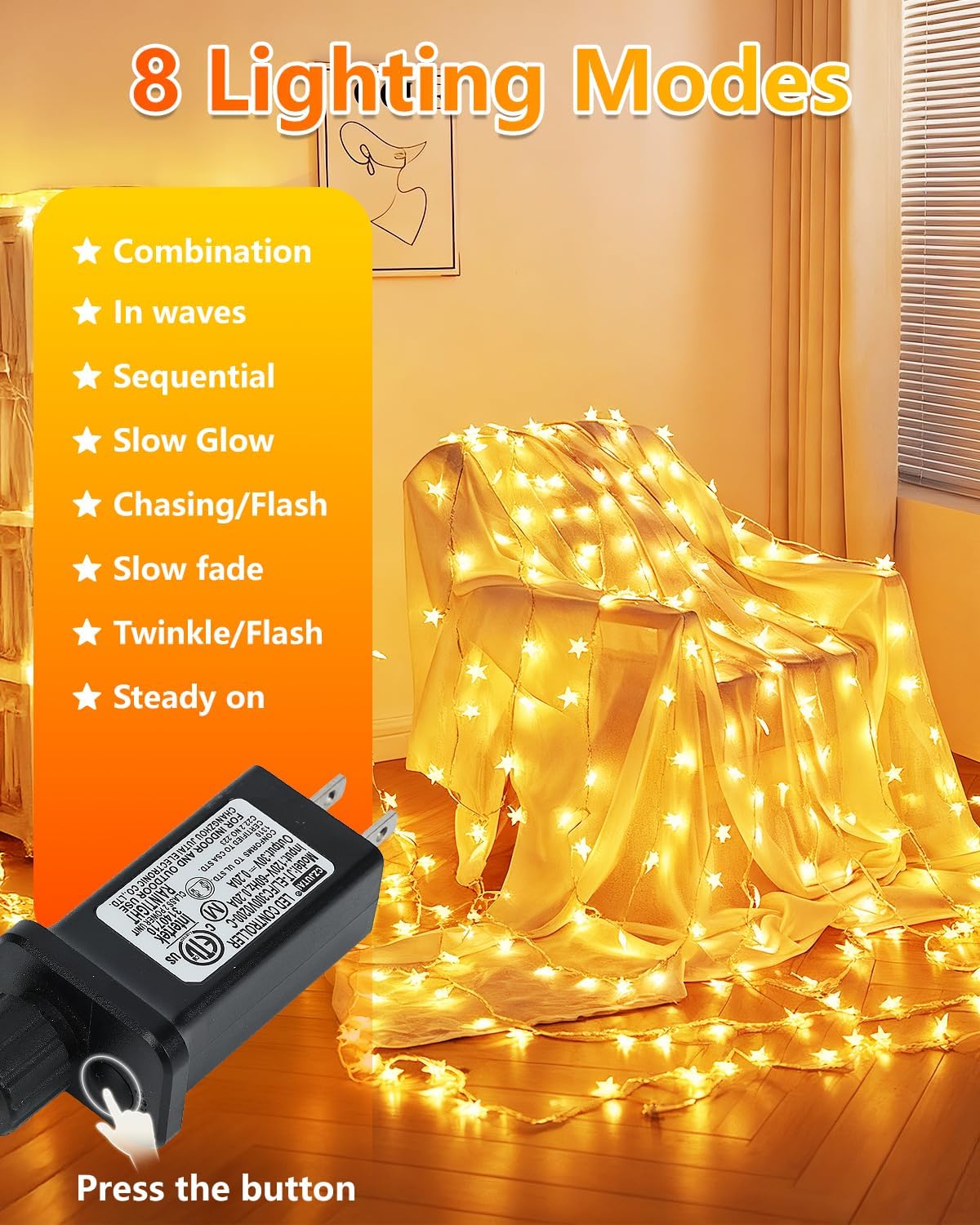
Pick Steady On for calm rooms, Slow Fade or Slow Glow for relaxing evenings, and Twinkle or Chasing for parties and holiday displays. Many Twinkle Star string, curtain and fairy lights use the same list of eight modes, so one guide covers them.
The 8 modes at a glance
| Mode | What you will typically see | Good for |
|---|---|---|
| Combination | Cycles through several of the other modes | Parties, when you want variety |
| In Waves | Light moves along the string in waves | Porch rails, trees |
| Sequential | Sections light in order | Staircases, rooflines |
| Slow Glow (SloGlo) | Bulbs brighten and dim slowly | Bedrooms, relaxing spaces |
| Chasing/Flash | Quick running or flashing pattern | Holiday displays, kids' parties |
| Slow Fade | Whole string fades in and out | Dining areas, mantels |
| Twinkle/Flash | Random sparkle on a steady glow | Trees, wreaths |
| Steady On | Constant light, no change | Reading corners, video calls, photos |
These are plain-language descriptions. The exact look can vary a little between models, so cycle through each mode once when you first plug in or press the button.
How to change modes
- Plug-in sets such as the star string lights use a controller near the plug. Press its button to step through the modes.
- Battery sets have a button on the battery box. The blue fairy lights also come with a remote, where keys 1 to 8 select a mode.
- Solar sets remember the last mode after the power is turned off. See solar modes and memory.
Which mode for which job
- Bedroom or dorm: Slow Glow, Slow Fade or Steady On, so the movement does not distract you.
- Outdoor party: Combination, so guests see a mix.
- Christmas tree: Twinkle or Steady On to match ornaments. Our tree lighting guide shows wrap patterns.
- Photos and video: Steady On avoids flicker in the picture.
If the mode will not change
Check batteries first, then the remote's line of sight to the battery box. Our troubleshooting posts on remotes and timers walk through it.